Tagis Projects
Organize Your Projects and Teams
Tagisphere Projects
Project Management:
The Tagisphere AR Platform provides a comprehensive project structure that allows you to create and name projects, control who can add/publish AR content to the project; supports various publishing methods and controls who can access that AR content in the real world from completely public access to individual authorizations.
In addition to the project structure itself, the platform also includes content management and tag editing tools. This makes maintenance easy and ensures your content is presented exactly as you want.
Project Types:
There are 4 types of projects, each associated with a different AR content source/publishing method. A CAD project for instance will have data published from Civil3D. Whereas, an ArcGIS Web Map project will have a configuration created that allows it to extract data from a Web Map in real-time. Field workers (mobile app AR content consumers) don’t see any difference in the project types. The project type is only relevant to the content publishers.
Project Users:
The project structure supports a complete user authorization ecosystem. For the backend content publishing activities, the project administrator has complete control of which users can access the project and publish data.
For front-end or field workers accessing AR content in real-world environments, the project administrator can control an exact list of users who can see the project, or make the entire project allow for public access.
Organizations, Users and Projects:
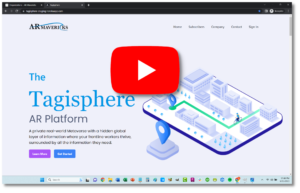
The Tagisphere AR Portal is your starting point to setup your organization and projects. Then you can invite users to create geolocated AR content. Finally, you can invite Tagis Mobile app users to access your content in the Tagisphere. Watch the video to see the easy to use portal dashboards for managing all these activities.
 Tag Management Tools:
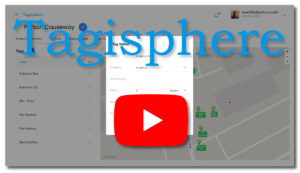
Tagisphere geotags are published and stored in your projects. The project dashboards offer a set of Tag Tools for managing your tags. You can edit tag attributes, locations and values. You can delete tags. You can even create new tags using the editing tools.
 CAD Projects:
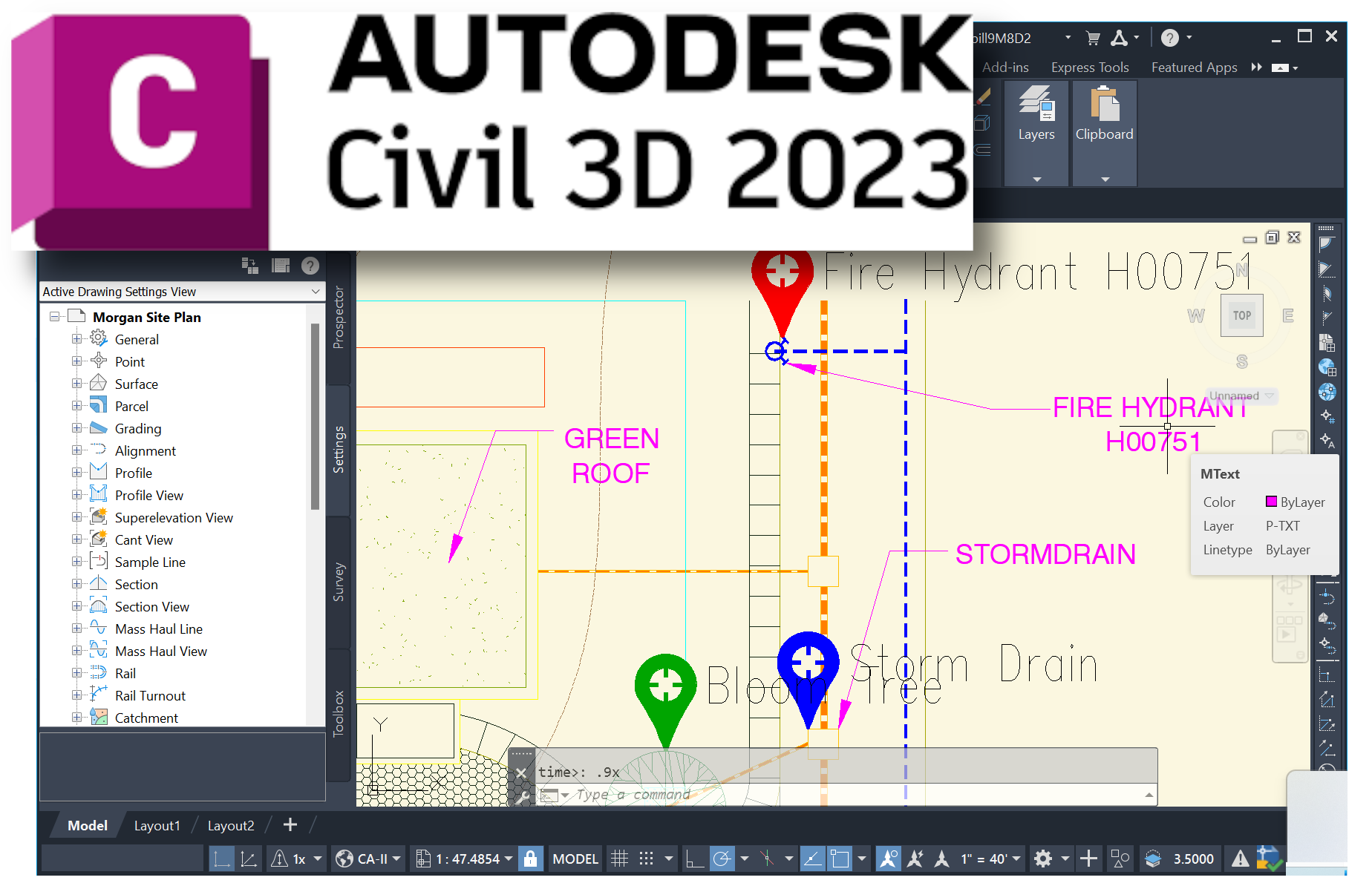
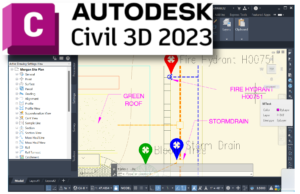
The CAD type project enables Autodesk Civil3D users to publish geolocated AR content (geotags) directly into the Tagisphere projects from a CAD session on their desktop, with an easy-to-use Civil3D add-on app.
 ArcGIS Web Map Projects:
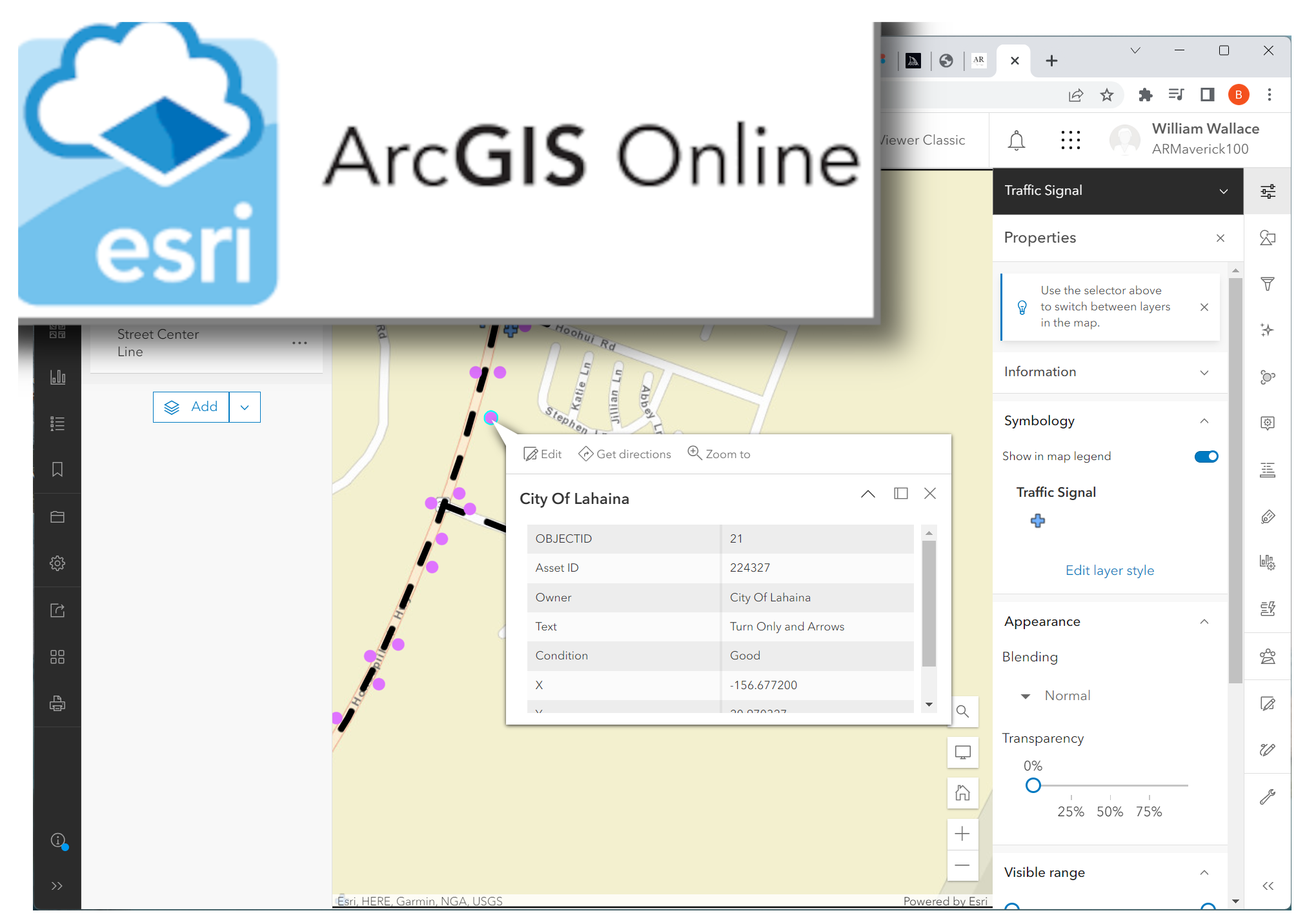
This project type allows users to configure a dynamic connection to any existing ArcGIS Web Map to transform map-based information into geolocated AR content (geotags), in the real-world.
 Tagis Mapper Projects:
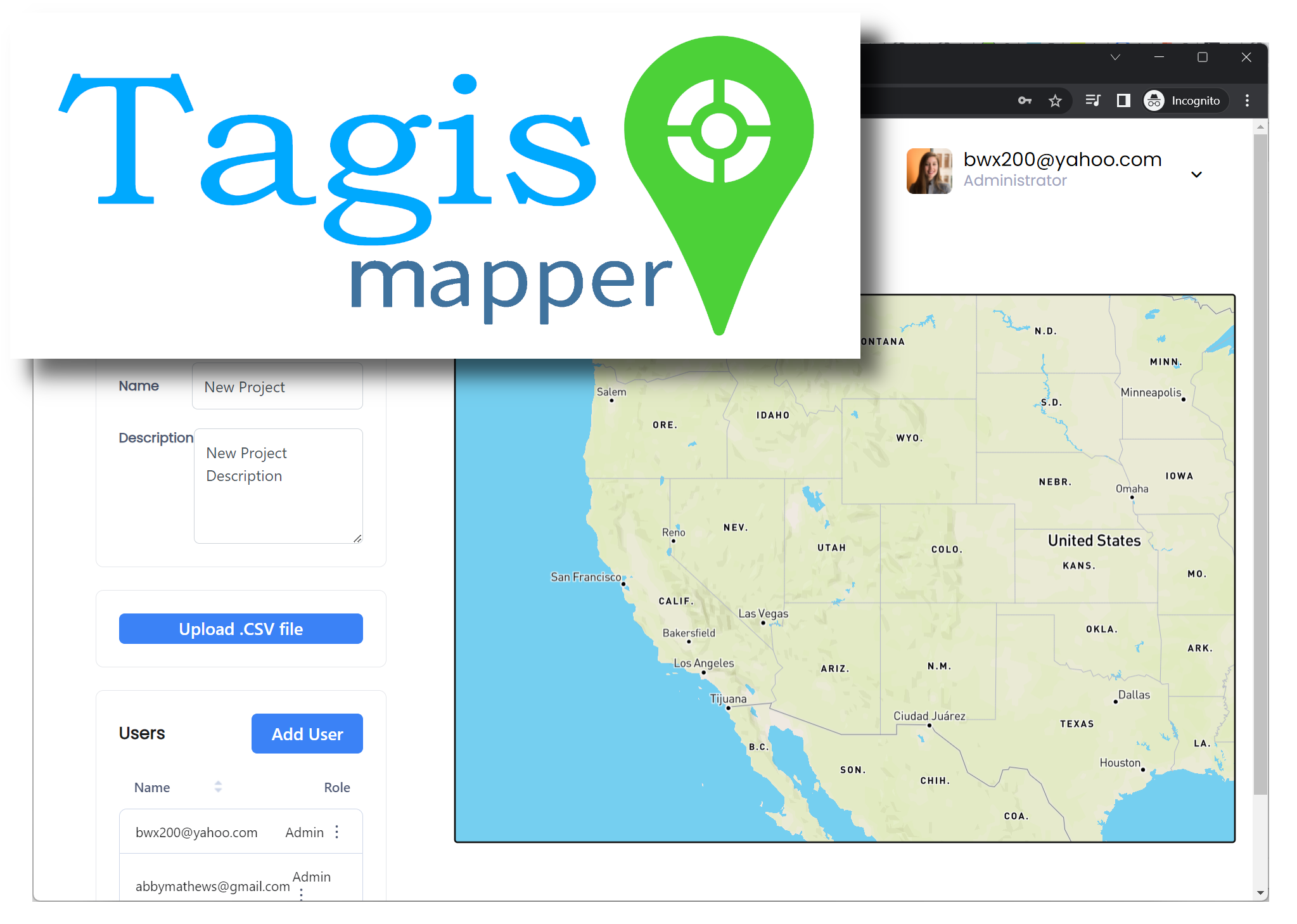
The Tagisphere AR portal offers a simple browser-based map interface allowing anyone to author geolocated AR content (geotags) in an instant, from their desktop, anywhere on the globe.
 Surveyors Toolbox Projects:
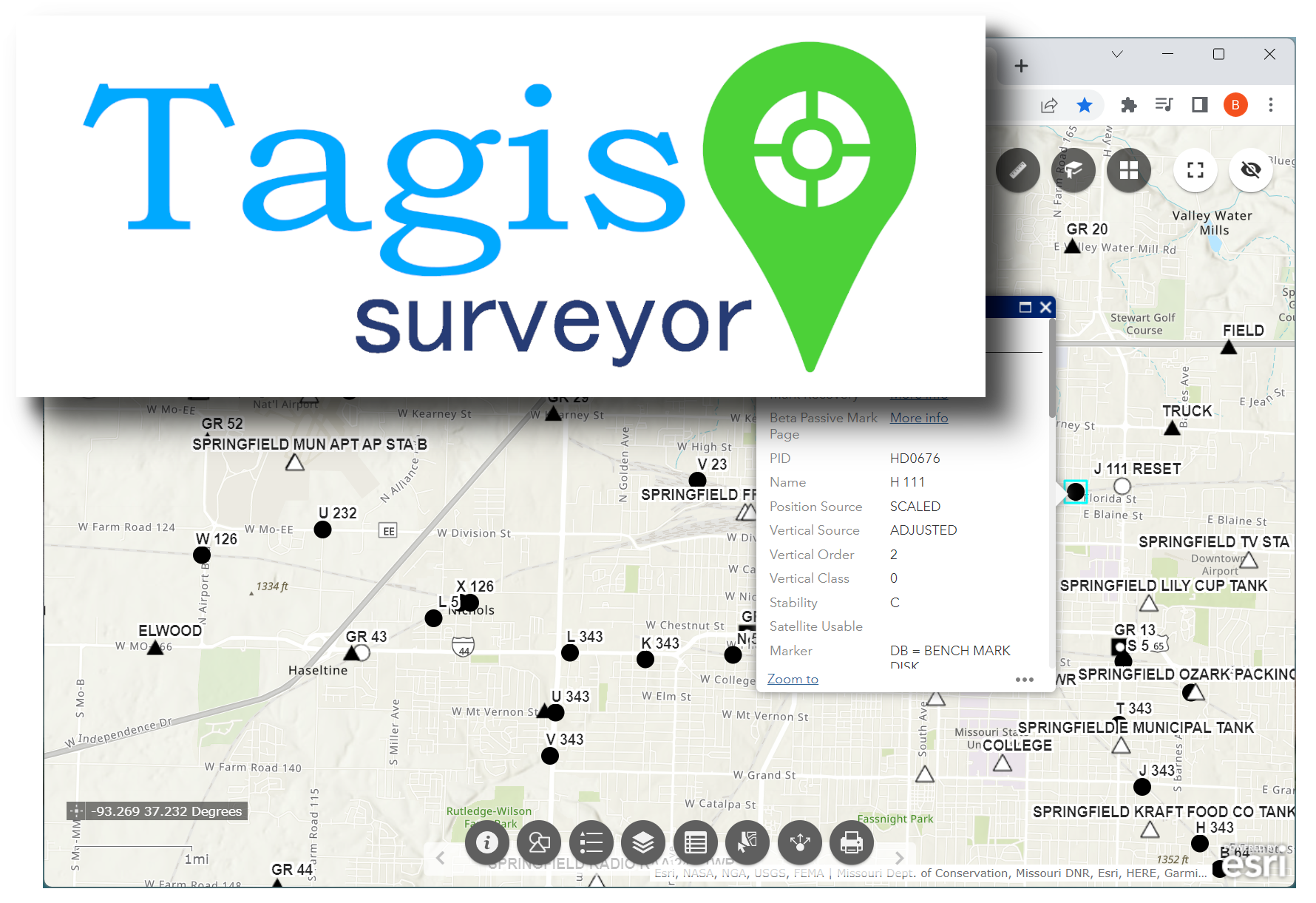
Land Surveyors can upload batches of geolocated point data using *.csv files. Feature coded data can be mapped into the real-world as AR content. These projects also provide access to US National Geodetic Survey benchmark locations/data as AR geotags in the real-world.